

Who’s heading out?
Gathro is an app for doing things together in your town. Football, chess or just a walk. Find people to go with.

Latest public versions: iPhone 0.3.4 on the App Store and Android 0.3.5 on Google Play (Slovakia, Czechia, Ukraine).

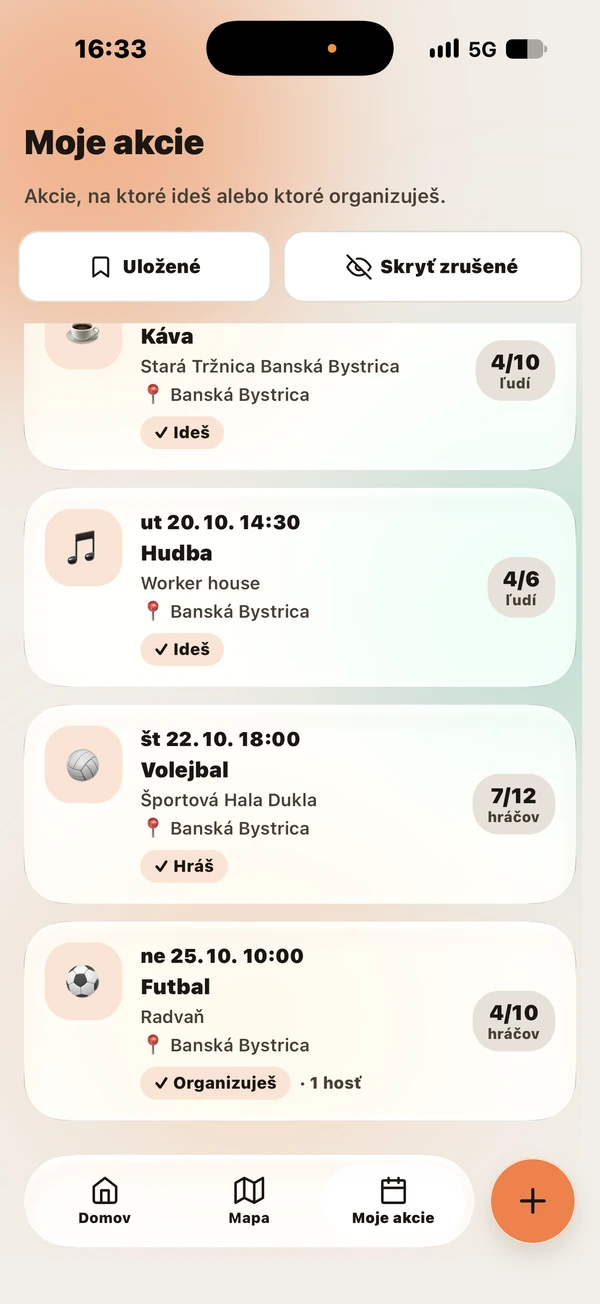
From the iPhone app · sample events by the Gathro team
Choose a place. Invite people. Meet up.
A place, a time and one link to share.
Create an event
Choose a place, a time and how many people can join, and say what it is.
Share the link
Send the event link to friends or a group.
People join
Others see the free places and can join, or come as a guest if you allow it.
For big plans and little ideas.
New town. A first route together.
Don’t know anyone here yet? Browse local events. You can look for company for a run or a walk, even when you’re new.
Always a few players short?
Create an event with a place, a time and how many people can join. Others can see the free places and join in.
An open session, a quiz or chess in the park are possible uses. These examples do not imply a partnership with a town or venue.
Less time on your phone.
More time out together.
Gathro keeps the plan together: place, time, available places and people. The rest happens outside.
-
No endless feed
No endless stream of posts.
-
No chat clutter
Find the place, time and people in the event details.
-
No star ratings for people
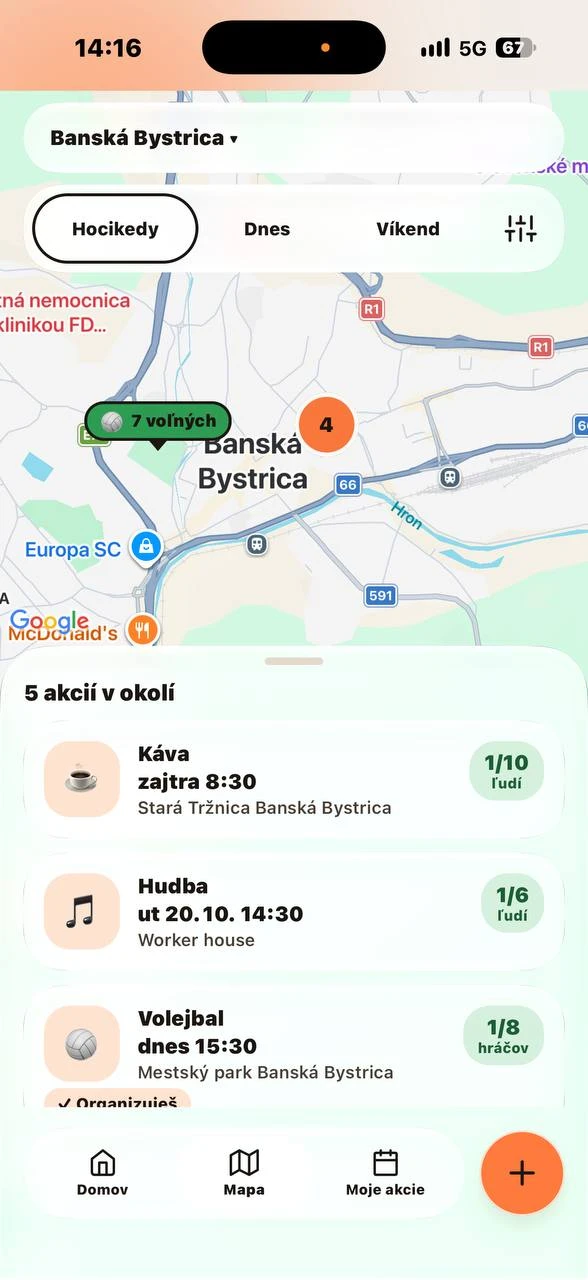
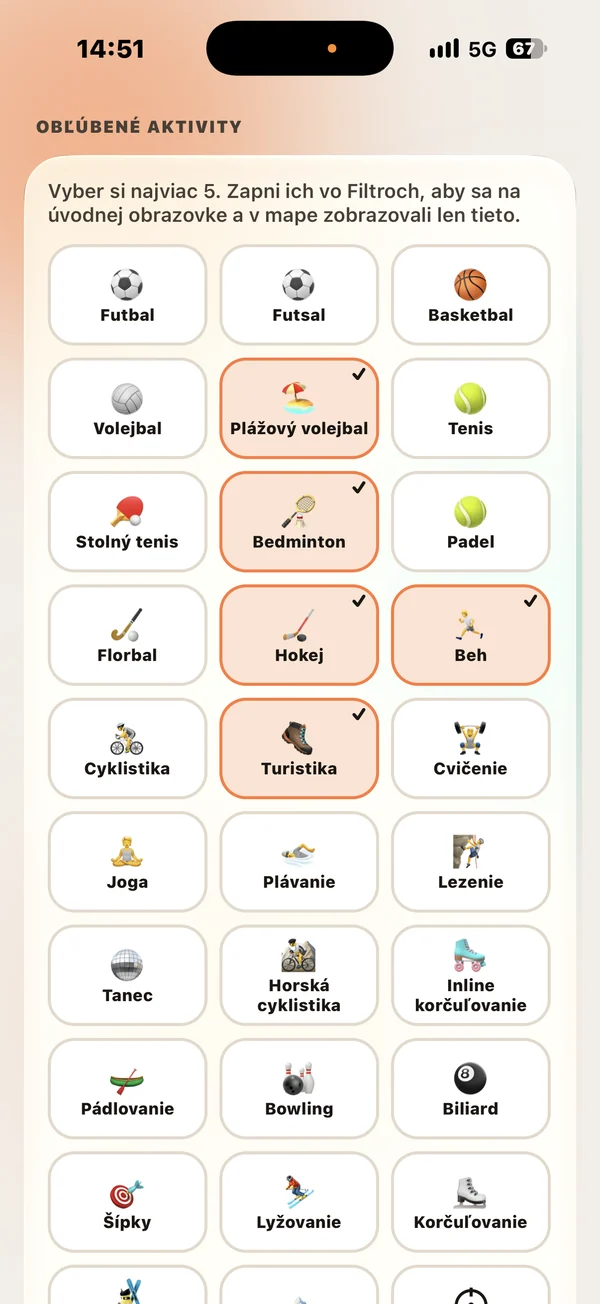 From the iPhone app · sample events by the Gathro team
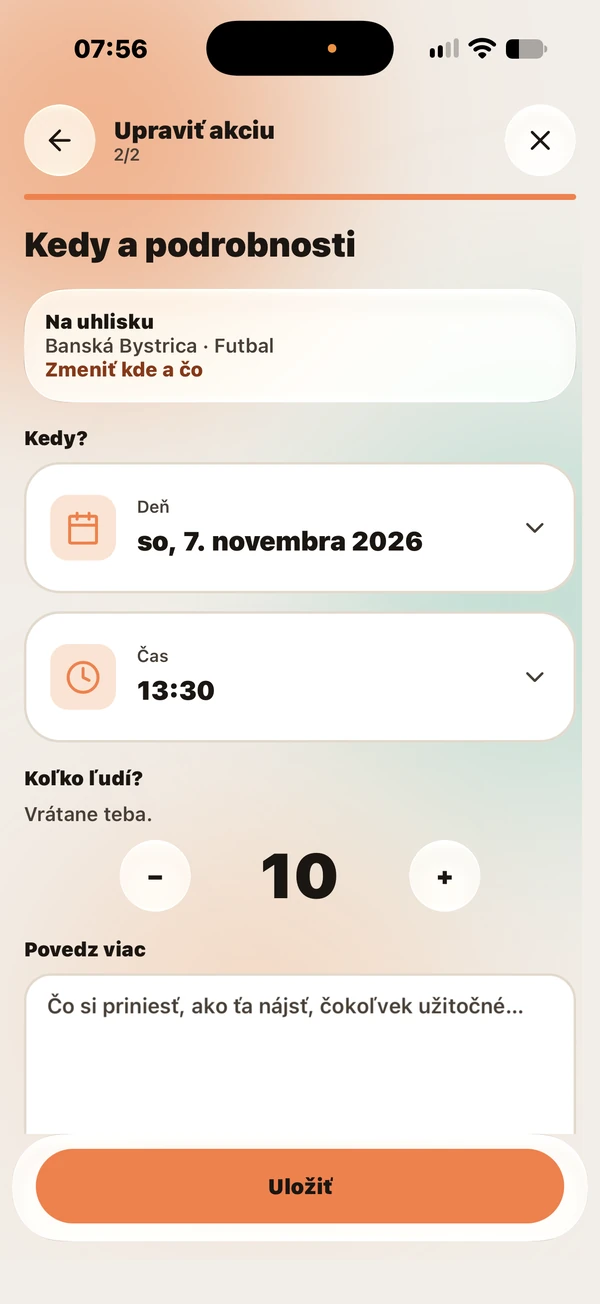
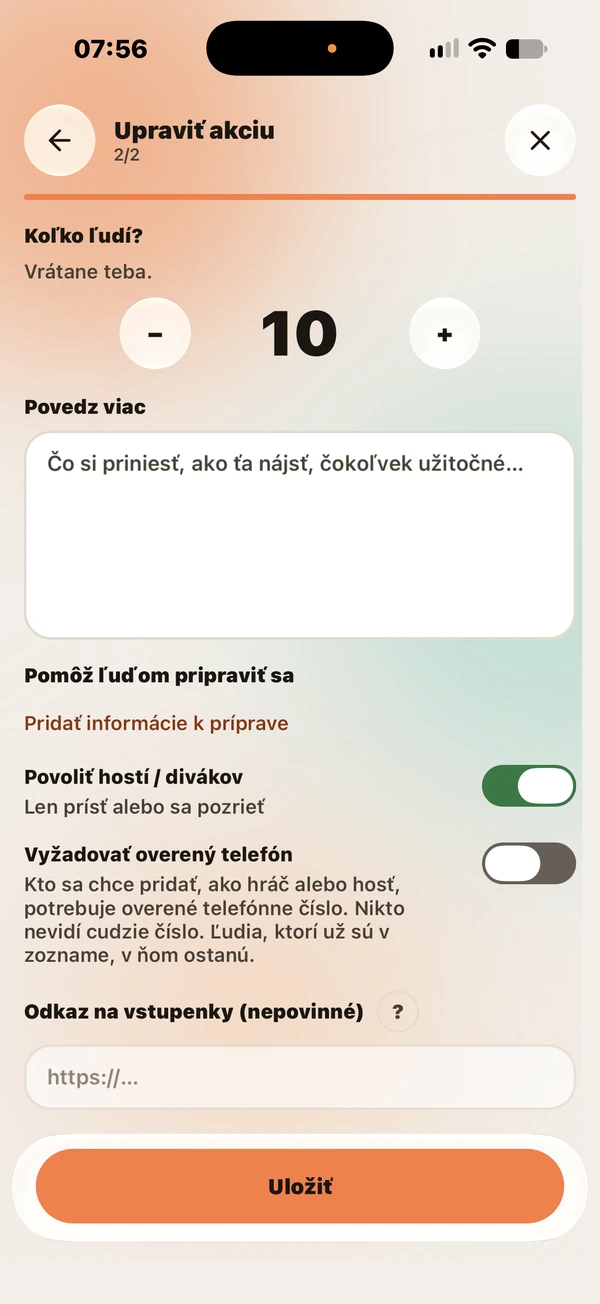 From the iPhone app · sample events by the Gathro team
Common questions
Getting started
Is it free?
Yes. Gathro is free to use and there are no payments inside the app. Gathro does not sell anything. Every organiser can add a link to an outside ticket seller, at no cost; any purchase there is between you and the seller.
How do I get Gathro?
On iPhone, Gathro 0.3.4 is on the App Store in Slovakia, Czechia and Ukraine; the listing is in Slovak. On Android, it is on Google Play in the same countries. You will find both links at the top of this page.
Do I need an account?
Without an account you see a short preview of upcoming events. To open an event, join or create your own, sign in with Google (on iPhone, Apple works too). There are no passwords.
Where, and in which languages?
We’re starting in Banská Bystrica. The app lists cities in Slovakia, Czechia and Ukraine. The interface is available in Slovak, English, Ukrainian and Czech; the Czech text is a machine translation for now. Titles and descriptions of events are never translated.
How do I update the app?
On Android, open Gathro in Google Play and choose Update; on iPhone, update in the App Store. You do not need to uninstall the app, and your verified phone number stays.
Why am I not getting notifications?
Check that Gathro may send notifications in your phone’s settings, then look at their status in Profile. If that does not help, write to us.
Are the events in the screenshots real?
The screenshots are from the iPhone app with the Slovak interface: event editing from version 0.2.2, the others from version 0.2.0. The sample events were made by the Gathro team during testing, so lists and counts of places are not live activity or current availability.
Events and people
What do I need to create an event?
An account with a proven email and a verified phone number. Signing in with Google or Apple usually proves the email. You verify the phone once, with a code by SMS; never share that code. We support +421, +420, +49 and +380 numbers; delivery to Czech carriers has not been tested. If the SMS does not arrive, write to us.
Do I need a phone number to join an event?
Usually not. Phone verification is off by default. An organiser can turn it on for a specific event, and then it applies to new participants and guests. People already on the list stay; verification is needed only when changing role. Verification does not show your number to anyone.
How does coming as a guest work?
Guests do not take one of the places. They can come only when the organiser allows it: guests are enabled by default for public events and disabled for private ones. An organiser can turn guests off only when none are attending.
Can events repeat?
You can recreate an event for a new date. Automatic repeating is not available yet.
How do time proposals work?
An organiser can turn on time proposals for a private event. Participants and guests can then suggest another time on the same local date. The plan changes only if the organiser accepts a proposal.
Who can see my expected arrival time?
You can save one expected arrival time. Only you and the event’s current organiser can see it. It does not change the event start.
How can I report or block someone?
Anyone signed in can report an event, report a person or their photo, and block a person. To report a person or their photo, open the event, tap “See everyone”, then the person and “Report this person or photo”. It opens an email to Gathro support with the event and the person already filled in. To block the person, tap “Block” on the same screen. The organiser of an event also has “Report a person” under “See everyone”: pick the person and describe what happened. Gathro support gets that report and the person is blocked: they are removed from your upcoming events, and neither of you can join the other’s events. An email to support does not block anyone.
Didn’t find an answer? Got an idea or found a bug? Email support@euhub.co. Emails are read by people.
What’s changing in Gathro
iPhone 0.3.4 / Android 0.3.5 · current version
How to get it is explained above.
This changelog is a machine-made draft awaiting native-language review.
A reminder before your event
You get a reminder 2 hours before an event you joined.
Event emails
You get an email with a calendar link when you join, and another if an event changes or is cancelled; turn them off in Profile.
A ticket link
Every organiser can add a link to any ticket seller, at no cost.
Telegram via @Gathro_bot
Connect Telegram in Profile through @Gathro_bot; people at your event see it around the start.
Share and report
Anyone can share an event, and anyone signed in can report a person.
Your calendar on iPhone
On iPhone, choose iPhone Calendar or Google Calendar for an event.
Fixes
Fixes and clearer wording.